1. Enable RSS Feed Crawling

If enabled, the feeds will be crawled using the default WordPress Cron.
2. Schedule RSS Feed Fetch
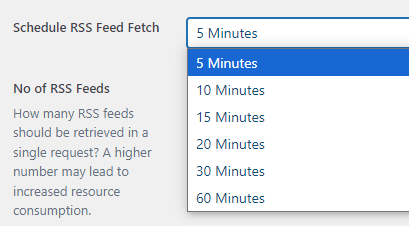
Choose the time frame for fetching the RSS feeds.
3. No of RSS Feeds
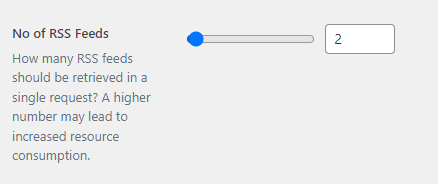
Specify the number of posts to retrieve in a single request. Keep in mind that a higher number may impact performance.
4. RSS Feed URLs
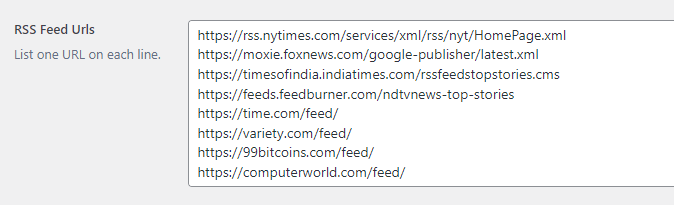
Paste each RSS feed URL on a separate line.
5. Home Screen Slider ( From RSS Feed URL )
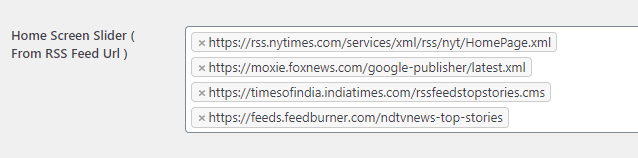
If you want the posts to appear on the home screen slider, select the feed URLs. When posts are imported from these URLs, they will also be displayed in the home slider.
6. Home Screen Slider ( From Tags )
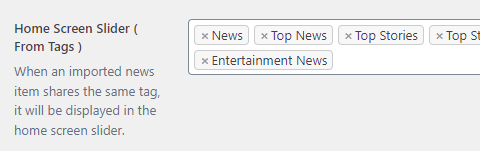
When an imported news item shares the same tag, it will be displayed in the home screen slider.
Note: If a news item is displayed in the home screen slider, it will also appear in the category slider.
6. Category Screen Slider

When an imported news item shares the same tag, it will be displayed in the category screen slider.
7. Category Setup
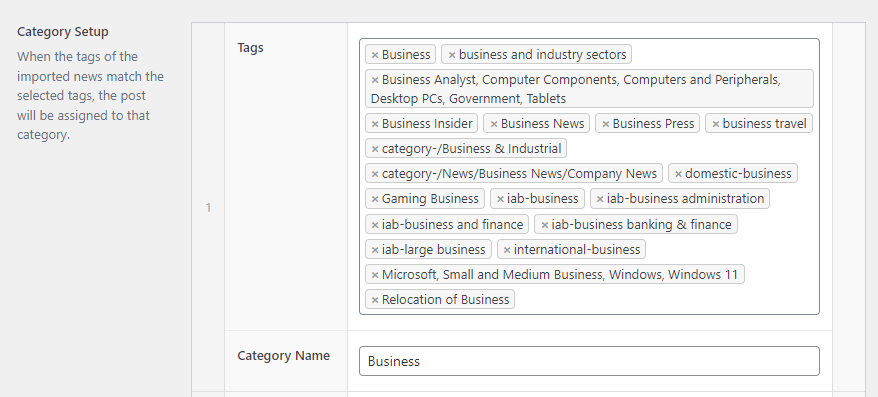
When the tags of the imported news match the selected tags, the post will be assigned to that category.
If you have multiple tags such as business, business news, business insider, and others, you can combine them to create a single category.
8. Sites Category Name
Note: Domains will remain empty if RSS feed URLs are not provided.
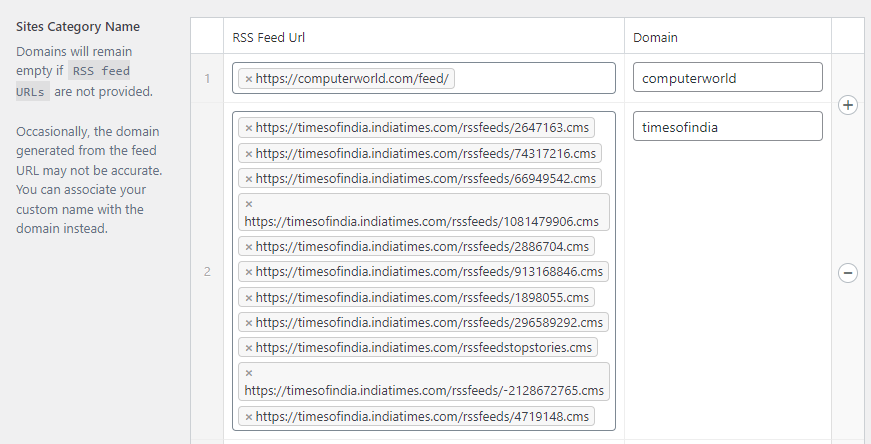
Occasionally, the domain generated from the feed URL may not be accurate. You can associate your custom name with the domain instead.