1. No. of Videos on Home Screen
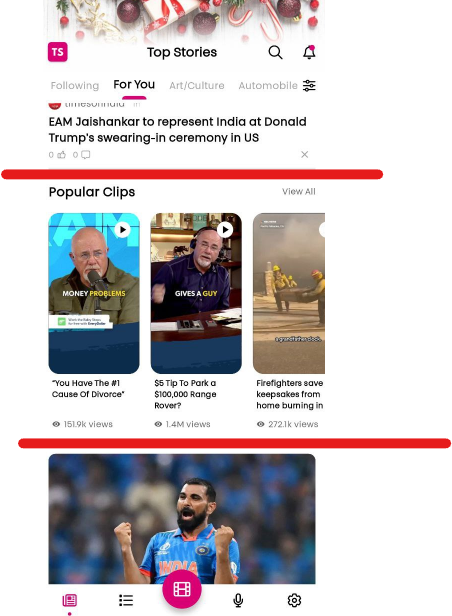
Choose the number of videos to display on the homepage. These videos will be selected randomly. If you have a large collection of videos, a new video will appear with each refresh.
2. Fetch Videos From the
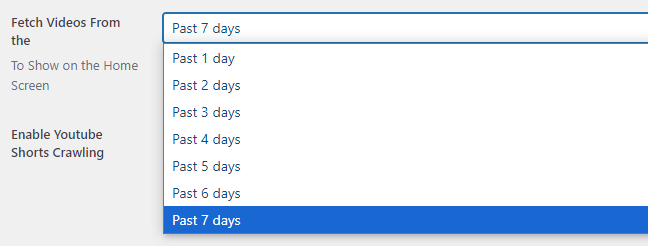
If you fetch a large number of videos daily, you can opt to display videos from the past day. However, if you fetch fewer videos, it’s better to select a longer timeframe, such as the past 7 days.
3. Enable YouTube Shorts Crawling
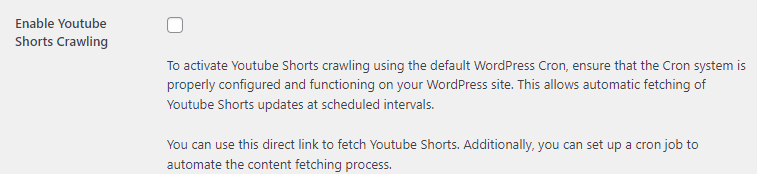
When enabled, this feature will periodically crawl YouTube Shorts at specified intervals and retrieve links from the YouTube page.
4. Schedule YouTube Shorts Fetch
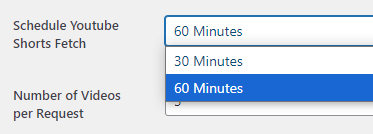
Choose the interval at which the YouTube Shorts page should be crawled.
5. Number of Videos per Request
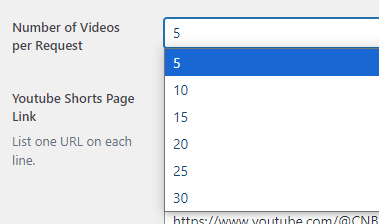
Retrieve a specified number of videos per request. Keep in mind that a higher number will require more resources.
6. YouTube Shorts Page Link
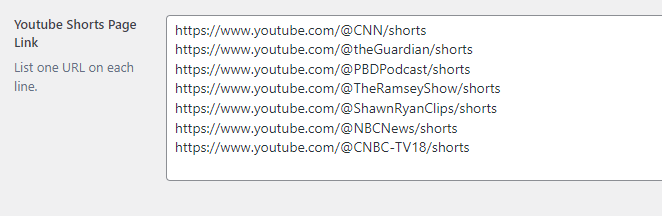
Paste each YouTube Shorts link on a new line. The more links you add, the more videos will be available for display.