1. Top Bar Image ( Light/ Dark Mode )
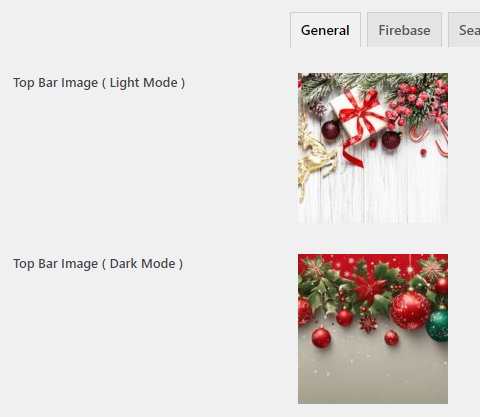
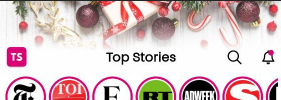
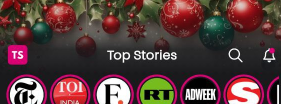
You can display an image on the top bar of the app, which is especially useful for highlighting special events or occasions such as New Year, Christmas, or Black Friday.
Preview
2. Primary Color
Select your app’s theme color using our color selector.

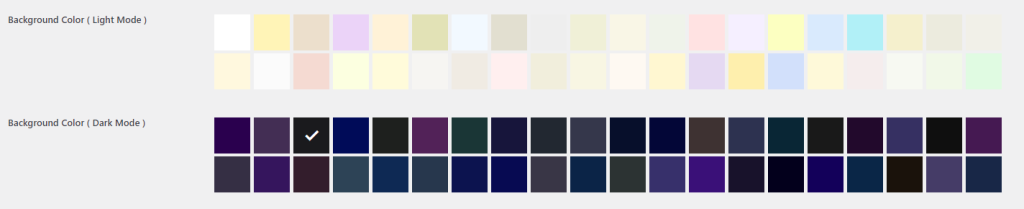
3. Background Color ( Light/ Dark Mode )
Choose the background color for the app, with options available for both light and dark themes.
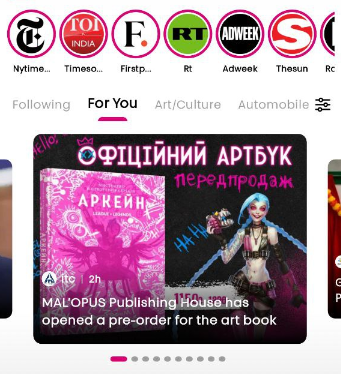
4. Slider Posts
Choose the number of posts to display in the slider.
Preview
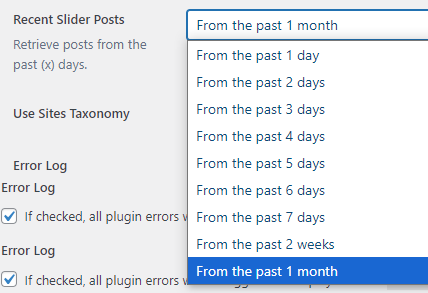
5. Recent Slider Posts
Fetch posts from the past (x) days to display in the slider.
6. Use Sites Taxonomy
You can opt to display either the post category or the source news site from which the news was obtained.